

xAI Grok-2 | Grok Aurora
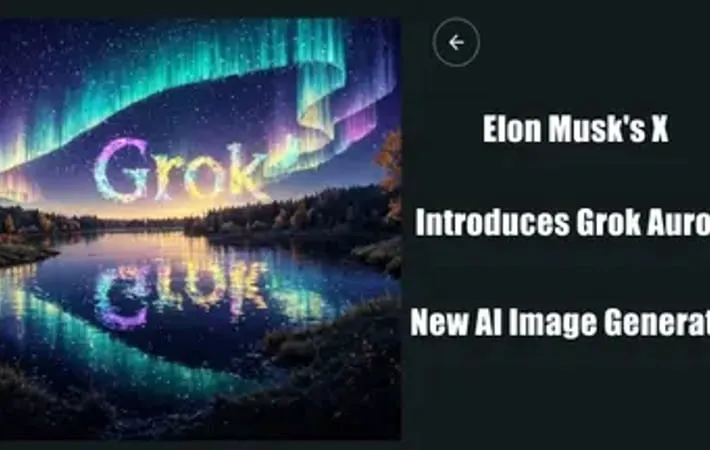
About xAI Grok-2 | Grok Aurora
xAI Grok-2 is the latest iteration of Elon Musk's AI company xAI's conversational AI model. Released in beta, it represents a significant upgrade from its predecessor, Grok-1.5. Grok-2 is designed to be a state-of-the-art AI assistant, offering improved performance in areas such as chat, coding, and reasoning. It also introduces new image generation capabilities powered by Black Forest Lab's Flux 1 AI model. Alongside Grok-2, xAI has also launched Grok-2 mini, a smaller but capable version that balances speed and answer quality.
Key Features
xAI Grok-2 is an advanced AI model that offers improved capabilities in chat, coding, and reasoning compared to its predecessor. It features real-time information access from X (formerly Twitter), image generation capabilities, and a more intuitive interface. Available in two versions - Grok-2 and Grok-2 mini - it aims to provide a balance between performance and speed, with competitive results in various benchmarks. Real-time information access: Utilizes data from X platform to provide up-to-date information and insights Image generation: Integrated AI image generator powered by Black Forest Lab's Flux 1 model Advanced reasoning capabilities: Improved performance in chat, coding, and complex problem-solving tasks Dual model offering: Grok-2 for high performance and Grok-2 mini for faster, more efficient processing Multimodal understanding: Ability to process and analyze both text and visual information
Use Cases
Social media analysis: Gain deeper insights from X posts and enhance search capabilities on the platform Content creation: Generate images and memes for social media or marketing purposes Software development: Assist with coding tasks and problem-solving in programming Academic research: Aid in analyzing complex scientific information and solving graduate-level problems Customer service: Power chatbots with real-time information access and improved conversational abilities
Pros
Access to real-time information from X platform Competitive performance in various benchmarks Versatile capabilities including image generation and coding assistance
Cons
Limited availability (only for X Premium and Premium+ subscribers) Potential for generating controversial or inappropriate content due to fewer restrictions Lack of transparency regarding model size and technical details
How to Use
Subscribe to X Premium or Premium+: Grok-2 is only available to X Premium and Premium+ subscribers. Sign up for one of these paid tiers on X (formerly Twitter). Update the X app: Make sure you have the latest version of the X mobile app installed to access the Grok-2 beta. Access Grok on X: Open the X app and look for the 'Grok' option in the left menu. Click on it to open the Grok chat interface. Start chatting with Grok-2: You can now start interacting with Grok-2 by typing messages or queries into the chat interface. Try image generation: Grok-2 has new image generation capabilities. Try prompting it to create images, which can be published directly to X. Experiment with different modes: Grok has a 'Fun Mode' for witty responses and a 'Regular Mode' for more accurate answers. Try both to see the difference. Leverage real-time information: Grok-2 can access real-time data from X, so try asking about current events or trending topics.
Official Website
Visit https://x.ai/ to learn more.
