

Wondershare Filmora
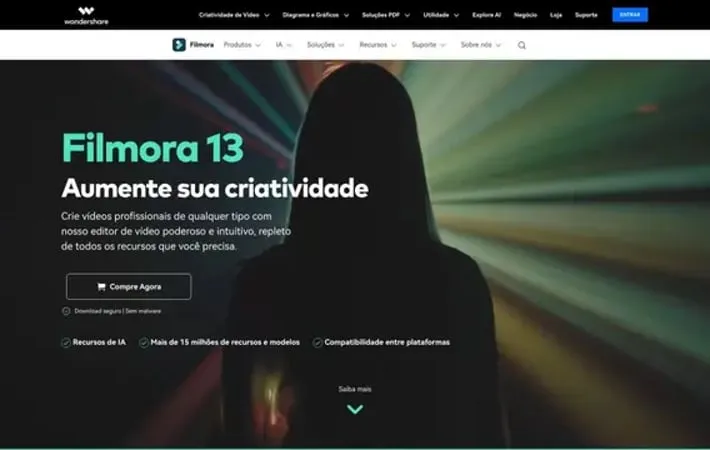
About Wondershare Filmora
Wondershare Filmora is a versatile and user-friendly video editing software designed for both beginners and intermediate users. It offers a wide range of tools and features to help create stunning videos, including AI-powered capabilities, a vast library of effects and templates, and cross-platform functionality. Filmora aims to simplify the video editing process while providing powerful editing capabilities for various purposes, from social media content to business presentations.
Key Features
Wondershare Filmora is a powerful yet user-friendly video editing software that offers a wide range of features for both beginners and experienced editors. It provides AI-powered tools, a vast library of effects and templates, cross-platform functionality, and intuitive editing capabilities. Filmora enables users to create professional-looking videos with ease, offering features like green screen, audio editing, text animation, and more. AI-Powered Tools: Utilizes artificial intelligence for features like smart cutout, text-to-video generation, audio denoise, and automatic captioning. Extensive Asset Library: Offers a vast collection of effects, transitions, titles, and stock media to enhance video projects. Cross-Platform Functionality: Allows users to edit, save, and share content across multiple devices including desktop, mobile, and tablets. Advanced Audio Editing: Provides tools for audio visualization, voice changing, AI audio denoise, and auto beat sync. Intuitive Interface: Features a user-friendly drag-and-drop interface that makes video editing accessible for users of all skill levels.
Use Cases
Social Media Content Creation: Create engaging short-form videos for platforms like TikTok, Instagram, and YouTube using templates and effects. Marketing and Promotional Videos: Produce professional-looking promotional videos for businesses and products using the extensive asset library. Educational Content: Develop instructional videos and online course materials with features like screen recording and text animations. Personal Video Projects: Edit and enhance home movies, travel videos, and special event footage with easy-to-use tools and effects.
Pros
User-friendly interface suitable for beginners Extensive library of effects, templates, and stock media AI-powered features for enhanced productivity Cross-platform functionality for editing on multiple devices
Cons
Limited advanced features compared to professional-grade software Some AI features require additional credits or higher-tier subscriptions Rendering speed may vary depending on project complexity and hardware
How to Use
Download and install Filmora: Go to the Filmora website and download the software for your operating system (Windows or Mac). Install it on your computer. Launch Filmora and start a new project: Open Filmora and click on 'New Project' to begin. Import media files: Click on 'Import Media Files Here' and select the video clips, images, and audio files you want to use in your project. Add clips to the timeline: Drag and drop your imported media files onto the timeline at the bottom of the screen. Edit your video: Use the editing tools to trim clips, add transitions between clips, apply effects and filters, add text and titles, and adjust audio. Use AI features (optional): Explore AI-powered features like AI text-based editing, AI music generator, and AI image generation to enhance your video. Preview your project: Use the preview window to watch your edited video and make any final adjustments. Export your video: When finished editing, click 'Export' and choose your desired output format and quality settings. Then click 'Export' again to save your final video.
Official Website
Visit https://filmora.wondershare.br/ to learn more.
