

Voicemod
About Voicemod
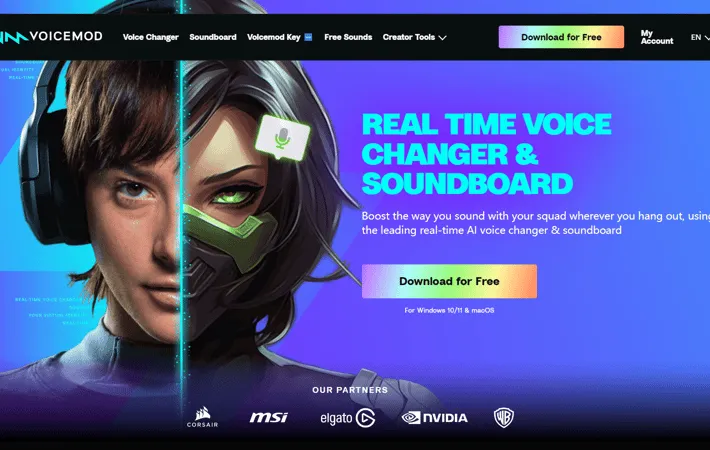
Voicemod is a versatile voice modulation tool designed for gamers, content creators, and virtual personalities. It enables users to transform their voice in real-time, applying a wide range of effects from robot and demon voices to celebrity impressions and gender swaps. Compatible with popular platforms like Discord, Zoom, and various games, Voicemod enhances digital communication by allowing users to create unique sonic identities. The software includes a built-in soundboard for adding custom audio effects, making it a comprehensive solution for audio personalization in the digital space.
Key Features
Voicemod is a real-time voice changing software that allows users to modify their voice with various effects and add sound effects during gaming, streaming, or communication. It offers a wide range of voice filters, a customizable soundboard, integration with popular apps and games, and the ability to create custom voices. Voicemod is designed for both casual users and content creators, providing tools to enhance audio experiences across multiple platforms. Real-time Voice Changer: Modify your voice in real-time with over 90 different voice effects and filters. Customizable Soundboard: Add and trigger sound effects with custom keybinds, supporting both built-in and user-uploaded audio files. Voicelab: Create and customize your own unique voice effects using professional-grade audio tools. Wide Compatibility: Integrates with popular games, streaming software, and communication apps like Discord, Zoom, and Twitch. Twitch Extension: Allow viewers to control the streamer's voice effects during live broadcasts.
Use Cases
Gaming: Enhance multiplayer experiences by using voice effects and sound clips during gameplay. Content Creation: Add variety and entertainment to streams, videos, and podcasts with voice modulation and sound effects. Virtual YouTubers (VTubers): Create unique character voices for virtual avatar performances and interactions. Online Communication: Add fun and creativity to voice chats, video calls, and online meetings. Voice Acting: Experiment with different character voices for amateur voice acting or audio drama production.
Pros
Extensive library of voice effects and sound clips Easy integration with popular games and apps Customizable features for creating unique voices Regular updates with new themed content
Cons
Some advanced features only available in paid version May require some setup and configuration for optimal use Currently limited to Windows PC, with Mac version still in development
How to Use
Download and install Voicemod: Go to the Voicemod website and download the installer. Run the installer and follow the prompts to install Voicemod on your PC. Configure Voicemod settings: Open Voicemod and go to Settings. Select your main microphone as the input device. Enable the 'Voice Changer' and 'Hear Myself' toggles. Choose a voice effect: Go to the Voicebox menu and browse the library of voice effects. Select a voice effect you want to use. Set up keybinds (optional): Assign your favorite voice effects to keyboard shortcuts for quick access. Configure your game/app: In the audio settings of the game or app you want to use Voicemod with, select 'Microphone (Voicemod Virtual Audio Device)' as the input device. Test your new voice: Speak into your microphone and you should hear your voice with the selected effect applied. Adjust settings as needed. Use the soundboard (optional): Access the soundboard to add sound effects. You can use the included sounds or add your own MP3/WAV files. Create custom voices (optional): Use the Voicelab feature to create your own custom voice effects by combining different audio effects.
Official Website
Visit https://www.voicemod.net/ to learn more.
