

UpFoto
About UpFoto
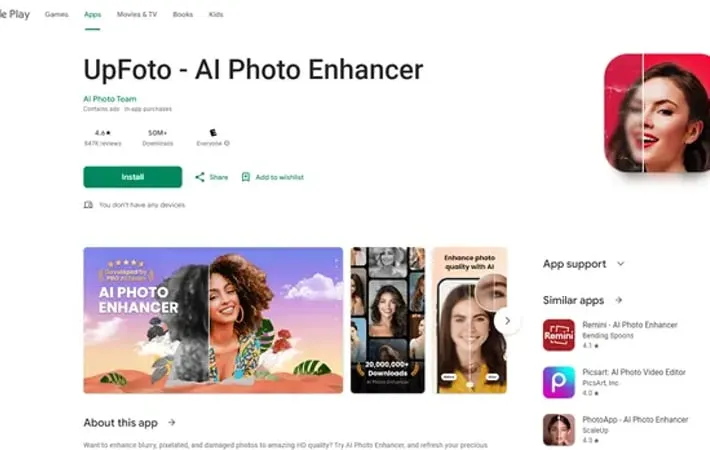
UpFoto - AI Photo Enhancer is a mobile application designed to transform blurry, pixelated, and damaged photos into high-definition quality images. Developed by AI Photo Team, this app leverages advanced artificial intelligence technology to breathe new life into old photographs, allowing users to revitalize cherished memories with just a single click. UpFoto is particularly adept at enhancing portraits, restoring damaged photos, and dramatically improving image resolution.
Key Features
UpFoto is an AI-powered photo enhancement app that uses cutting-edge technology to restore, deblur, and enhance old or low-quality photos. It can turn 10-20 year old photos into HD selfies, optimize portrait details, improve photo resolution up to 800%, clear blurry pictures, and enhance real-time photos. The app aims to revitalize old family photos and precious memories with just one click. AI-powered photo enhancement: Uses cutting-edge AI technology to instantly improve photo quality and details Portrait optimization: Auto-recognizes faces in selfies or group photos and enhances facial details with one tap Photo restoration: Repairs damaged and scratched photos to give old photos new life Resolution improvement: Increases photo resolution by 200%, 500% or even over 800% to stunning HD quality Photo deblurring: Clears blurry photos to make them sharper and clearer
Use Cases
Family photo restoration: Revitalize old family photos to preserve and share precious memories Social media content enhancement: Improve the quality of photos for posting on social media platforms Real estate photography: Enhance property photos to make listings more attractive to potential buyers Historical photo preservation: Restore and improve the quality of historical photographs for archives or museums
Pros
Powerful AI-based photo enhancement capabilities User-friendly interface with one-click enhancement Ability to significantly improve old or low-quality photos
Cons
Free version is heavily ad-supported, requiring users to watch ads frequently Premium version is considered expensive by some users Some users report difficulties with ad close buttons and unexpected app store openings
How to Use
Download and install the app: Search for 'UpFoto - AI Photo Enhancer' on the Google Play Store and install it on your Android device. Open the app: Tap the UpFoto icon on your device to launch the application. Select a photo to enhance: Choose a photo from your device's gallery that you want to enhance or restore. Apply AI enhancement: Tap the enhance button to apply AI-powered enhancements to your selected photo. This may require watching an ad in the free version. Adjust settings if needed: Fine-tune the enhancement settings if desired. This may include options for portrait optimization, photo restoration, or resolution improvement. Save the enhanced photo: Once satisfied with the results, save the enhanced photo to your device. This may require watching another ad in the free version. Repeat for other photos: Repeat the process to enhance additional photos as needed.
Official Website
Visit https://play.google.com/store/apps/details?id=ai.photo.enhancer.photoclear&hl=en_US to learn more.
