

toby
About toby
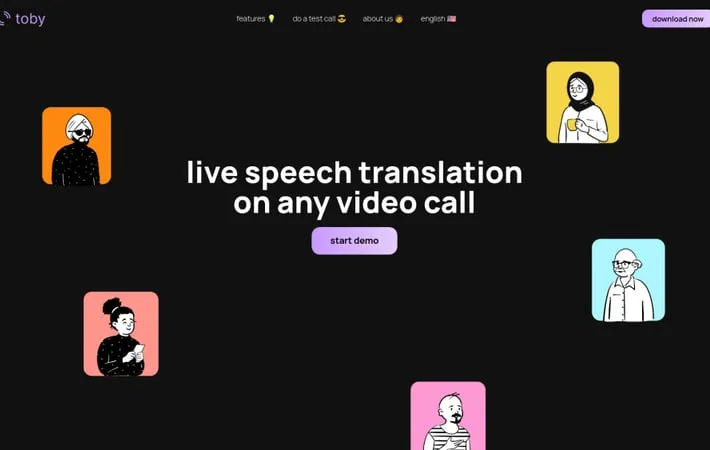
Toby is an innovative AI-powered desktop application that provides live speech translation for video calls. It allows users to speak fluently in any language during video conferences by translating speech in real-time. Toby works seamlessly with popular video calling platforms, enabling multilingual communication without language barriers.
Key Features
Toby is a live speech translation tool that enables real-time language translation during video calls. It works as a desktop application that integrates with various video call platforms, allowing users to speak in different languages with minimal delay. Toby offers two-way translation, transcript generation, and personalized glossaries to enhance communication across language barriers. Live Speech Translation: Enables real-time two-way translation of spoken language during video calls Platform Integration: Works seamlessly with popular video call platforms by translating audio on the user's device Transcript Generation: Provides spoken and heard transcripts to ensure accurate communication Personalized Glossaries: Allows creation of custom glossaries tailored to specific work contexts or industries
Use Cases
International Business Meetings: Facilitates communication between business partners or clients speaking different languages Remote Language Learning: Supports language learners in practicing conversations with native speakers Global Team Collaboration: Enables effective communication within multinational teams working on projects Cross-cultural Customer Support: Allows customer service representatives to assist clients in their native languages
Pros
Breaks down language barriers in real-time video communication Integrates with existing video call platforms Provides transcripts for reference and clarity
Cons
May have some delay in translation, though minimized Accuracy of translation may vary depending on language pairs and context
How to Use
Download the Toby desktop app: Go to the Toby website and download the desktop application for your operating system. Set up Toby with your video call platform: Install and configure Toby to work with your preferred video calling software (e.g. Zoom, Google Meet, etc.). Start a video call: Begin a video call using your usual platform. Enable Toby translation: Activate Toby's live translation feature within the app. Select languages: Choose the language you will speak and the language you want to translate to. Speak normally: Talk as you normally would on the video call. Toby will automatically translate your speech in real-time. View transcripts: Check the spoken and translated transcripts provided by Toby to ensure accurate communication. Use custom glossaries (optional): Create and utilize personalized glossaries for specialized terminology relevant to your work or conversation topic.
Official Website
Visit https://www.trytoby.com/ to learn more.
