

sync labs
About sync labs
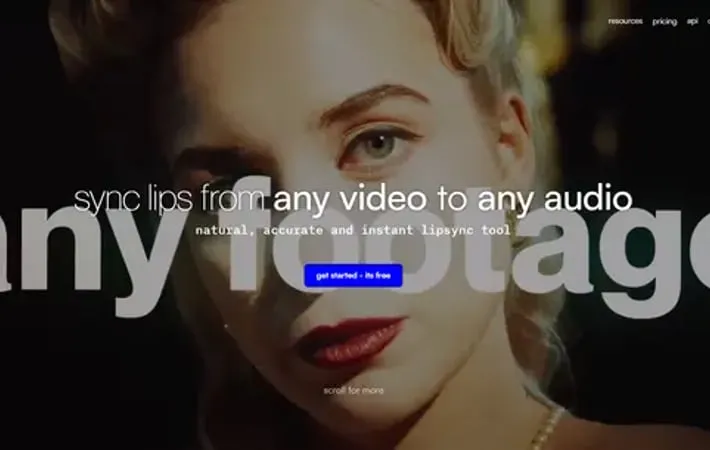
Sync Labs is a research company building generative video models and hosting production APIs that allow seamless lip-syncing of videos to audio in any language in near real-time. Founded in 2023 by the original creators of Wav2Lip, Sync Labs offers tools for content creators to animate people speaking different languages in existing videos without requiring training. Their APIs enable integration into various applications, platforms and services for video content manipulation.
Key Features
Sync Labs provides an API for real-time lip-syncing and video animation, allowing users to animate people speaking any language in any video. Their technology works on various types of video content including movies, podcasts, games, and animations, without requiring training. The company offers lip-sync and animate endpoints that can sync videos to any audio or text input. Real-time lip-syncing API: Synchronize lip movements in videos to match any audio input in real-time Language-agnostic animation: Animate people speaking any language in any video without language restrictions No training required: Works on any video content without needing to train the model on specific data Animate endpoint: Sync videos to text input for narrative animation across various content types
Use Cases
Video localization: Dub videos into multiple languages while maintaining accurate lip movements Game character animation: Animate game characters to speak dialogue in various languages Content creation: Allow content creators to easily animate characters or personas speaking in videos E-learning localization: Translate educational videos into multiple languages with synchronized lip movements
Pros
Works on a wide range of video content types No training required for use Supports multiple languages
Cons
May require high computational resources for real-time processing Potential ethical concerns around deepfake technology
How to Use
Sign up for an account: Go to the Sync Labs website (https://synclabs.so/) and sign up for an account. New users are automatically enrolled in the free tier plan. Access the playground: Log in to your account and navigate to the playground at https://app.synclabs.so/playground to experiment with different models and parameters. Choose your input sources: Select a video source and an audio source. You can upload files directly or provide URLs to cloud-hosted files or YouTube videos. Select a lip-sync model: Choose from the available lip-sync models. Options may include sync-1.5.0 for stable, high-resolution results or sync-1.6.0 for more fluid, human-like mouth movements. Adjust parameters: Fine-tune any available parameters to customize the lip-sync output according to your needs. Submit for processing: Click the submit button to start the lip-sync process using the Sync Labs API. Review and download results: Once processing is complete, review the lip-synced video output and download it if satisfied with the results. Integrate the API (for developers): If you're a developer looking to integrate Sync Labs into your application, refer to the API documentation at https://docs.synclabs.so/ for implementation details. Upgrade your plan if needed: If you require more processing time or advanced features, consider upgrading to a paid subscription plan through the Sync Labs Web App.
Official Website
Visit https://synclabs.so/ to learn more.
