

RetouchAI
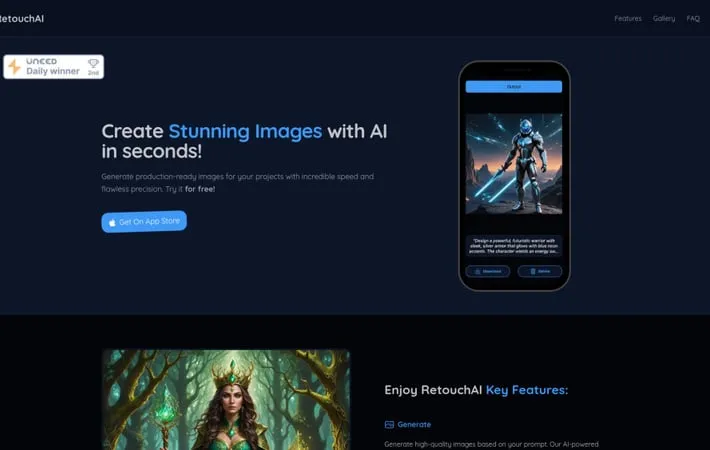
About RetouchAI
RetouchAI is a powerful mobile application designed specifically for iOS users who want to create and edit images using artificial intelligence. The app combines sophisticated AI algorithms with user-friendly interface to help users generate production-ready images with incredible speed and precision. Whether you're a professional creator or casual user, RetouchAI offers a comprehensive suite of tools that can be accessed directly from your iPhone, with new users getting 5 free credits to try the service.
Key Features
RetouchAI is an iOS app that leverages artificial intelligence to create and edit high-quality images. The app offers comprehensive image manipulation capabilities including AI-powered image generation from text prompts, outpainting to expand image boundaries, inpainting to transform specific areas, and smart object removal features. It also includes advanced retouching tools for removing imperfections, blemishes, and unwanted elements from photos with one-click simplicity. AI Image Generation: Create custom images from text prompts with AI technology, allowing users to generate production-ready visuals quickly Smart Object Removal: Automatically detect and remove unwanted objects, people, or imperfections from photos while maintaining natural look Image Outpainting: Expand beyond original image boundaries to create wider scenes or add missing elements seamlessly One-Click Retouching: Simplified photo enhancement with auto-detection of areas needing improvement and multiple retouch algorithms to choose from
Use Cases
Professional Photography: Remove unwanted objects, fix imperfections, and enhance composition in professional photo shoots Social Media Content: Create and edit perfect photos for social media posts by removing photobombers and enhancing backgrounds Real Estate Photography: Clean up property photos by removing unwanted objects and expanding cramped spaces through outpainting Personal Photo Enhancement: Improve casual photos by removing blemishes, cleaning up backgrounds, and fixing common photo issues
Pros
User-friendly interface with one-click functionality Multiple AI-powered editing features in one app Fast processing time (10-30 seconds per edit)
Cons
Only available on iOS devices Requires credit purchase after initial free credits Limited basic editing features like crop and resize
How to Use
Download and Install: Download RetouchAI app from the Apple App Store and install it on your iOS device Launch App: Open the RetouchAI app on your device. New users get 5 free credits to start with Select Photo: Choose a photo from your device that you want to edit Choose Editing Tool: Select one of the main features: Image Generation (create images from prompts), Image Outpainting (expand images), Image Inpainting (replace parts), or Image Erase (remove objects) Mark Unwanted Objects: For object removal, use the brush tool to mark any unwanted content or background that you want to remove Auto-Detection: The AI will automatically detect borders and highlight objects like people or imperfections for removal One-Click Remove: Tap to remove the selected elements. The AI will process the image in about 10-30 seconds Review and Save: Check the results and save your edited photo if satisfied with the changes
Official Website
Visit https://www.getretouchai.app/ to learn more.
