

Porosheets
About Porosheets
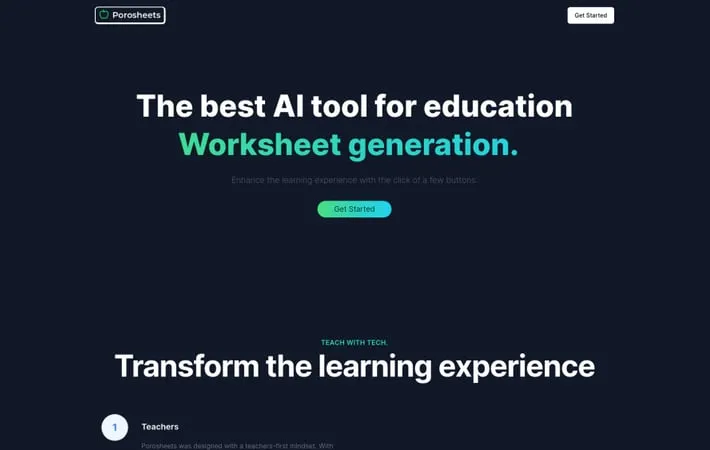
Porosheets is an innovative AI tool designed to streamline educational content creation for teachers. It leverages OpenAI's GPT technology to automatically generate customized worksheets, lesson plans, rubrics, and other educational materials. As a SaaS (Software as a Service) platform, Porosheets aims to enhance classroom efficiency and save valuable time for educators in their lesson preparation and assessment processes.
Key Features
Porosheets is an AI-powered SaaS tool designed to help teachers generate educational content efficiently. It uses OpenAI GPT to create custom worksheets, lesson plans, and rubrics, streamlining the process of educational material creation and saving time for teachers. AI-powered content generation: Utilizes OpenAI GPT to automatically create educational materials Customizable outputs: Generates custom worksheets, lesson plans, and rubrics tailored to teachers' needs Time-saving solution: Streamlines the content creation process, allowing teachers to focus on other aspects of teaching User-friendly interface: Designed for ease of use, making it accessible for teachers with varying levels of tech proficiency
Use Cases
Lesson planning: Teachers can quickly generate comprehensive lesson plans for various subjects and grade levels Worksheet creation: Educators can produce customized worksheets to reinforce learning concepts and assess student understanding Assessment development: Create rubrics and evaluation criteria for student assignments and projects Curriculum development: Educational institutions can use Porosheets to assist in developing and standardizing curriculum materials
Pros
Saves time for teachers Improves efficiency in educational content creation Offers customizable outputs to suit different teaching needs
Cons
Reliance on AI may limit creativity in some aspects of teaching May require internet connectivity for full functionality
How to Use
1. Sign up for Porosheets: Create an account on the Porosheets website to access the AI-powered worksheet generation tool. 2. Select worksheet type: Choose the type of educational content you want to create - worksheet, lesson plan, or rubric. 3. Specify subject and topic: Enter the subject area and specific topic you want the worksheet to cover. 4. Provide additional details: Add any other parameters like grade level, number of questions, difficulty, etc. 5. Generate content: Click the generate button to have the AI create custom educational content based on your inputs. 6. Review and edit: Look over the auto-generated content and make any desired edits or adjustments. 7. Download or share: Download the finalized worksheet as a PDF or share it directly with students/colleagues.
Official Website
Visit https://porosheets.com/ to learn more.
