

Photomath
About Photomath
Photomath is an educational technology mobile app that serves as a digital math tutor, helping students learn and understand math concepts. Created by a father wanting to assist his children with math homework, it has grown to become one of the most popular educational apps globally with over 300 million downloads. Photomath covers a wide range of math topics from basic arithmetic to advanced calculus, providing step-by-step solutions and explanations for both printed and handwritten math problems.
Key Features
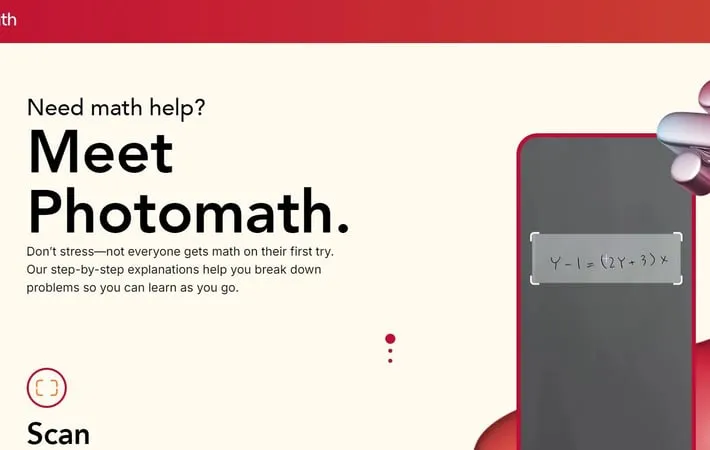
Photomath is an AI-powered mobile app that uses optical character recognition to scan and solve mathematical problems. It provides step-by-step explanations, multiple solution methods, and interactive learning tools to help users understand math concepts. The app covers a wide range of math topics from basic arithmetic to advanced calculus and offers both free and premium subscription options. Problem Scanning: Uses smartphone camera to scan and recognize printed or handwritten math problems Step-by-Step Solutions: Provides detailed explanations for each step of the problem-solving process Animated Tutorials: Offers visual, interactive animations to explain math concepts (Premium feature) Multiple Solution Methods: Presents different approaches to solve the same problem Textbook Solutions: Includes solutions for problems from hundreds of popular math textbooks (Premium feature)
Use Cases
Homework Help: Students can use Photomath to check their work and understand difficult problems Self-Study Tool: Learners of all ages can use the app to practice and improve their math skills independently Teaching Aid: Educators can utilize Photomath to create lesson plans and demonstrate problem-solving techniques Parent Support: Parents can better assist their children with math homework using the app's explanations
Pros
Instant solutions and explanations for a wide range of math problems Helps build understanding through step-by-step breakdowns Accessible learning tool for various types of learners
Cons
May be used for cheating if not properly monitored Some advanced features require a paid subscription Potential overreliance on technology for problem-solving
How to Use
Download and install the Photomath app: Get the Photomath app from your device's app store (available on iOS and Android) Open the Photomath app: Launch the app on your device Point your camera at a math problem: Use the camera feature in the app to scan a printed or handwritten math problem Align the problem within the red frame: Make sure the entire math problem fits within the red frame on your screen Wait for the app to scan and process: The app will use optical character recognition to read the problem View the solution: The app will display the answer to the scanned problem Tap to see step-by-step explanations: Select the option to view a detailed breakdown of how to solve the problem Review multiple solution methods (if available): For some problems, you can view different approaches to solving it Use the smart calculator for manual input: If scanning doesn't work, you can manually type in math problems Explore additional features: Check out graphing capabilities, textbook solutions, and other learning tools in the app
Official Website
Visit https://photomath.com/ to learn more.
