

Photo Enlarger
About Photo Enlarger
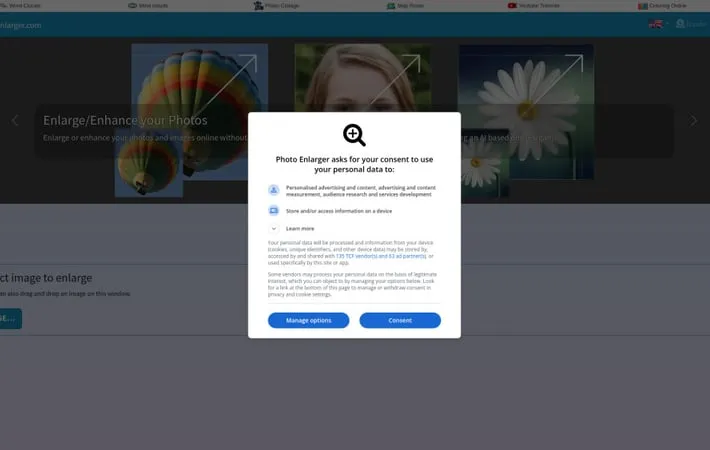
PhotoEnlarger.com is a web-based image enlargement and enhancement tool that enables users to upscale their photos and images online. It offers 6 different enlargement algorithms, including an AI-based option (esrgan), to increase image size and quality without losing detail. The service is completely free to use, with no sign-ups or credit purchases required. PhotoEnlarger.com prioritizes user privacy by processing all images directly in the browser, ensuring that photos never leave the user's device.
Key Features
Photo Enlarger is a free online tool that allows users to enlarge and enhance photos and images without quality loss. It offers 6 different enlargement algorithms, including an AI-based option, and processes images directly in the browser without uploading them to servers. The tool is completely free to use with no sign-ups or limitations, and prioritizes user privacy and security. Multiple Enlargement Algorithms: Offers 6 different algorithms for image enlargement, including an AI-based option (ESRGAN), allowing users to choose the best result. Browser-based Processing: Enlarges and enhances images directly in the user's browser, ensuring privacy and security as photos never leave the user's device. No Limitations: Completely free to use with no sign-ups required, no credit system, and no restrictions on usage. Flexible Output Options: Allows users to download enlarged images in multiple formats (JPG, PNG, WebP) and offers cropping functionality.
Use Cases
Professional Photography: Photographers can enlarge and enhance low-resolution images for high-quality prints or digital displays. E-commerce Product Images: Online sellers can improve the quality of product photos to make them more appealing to potential customers. Social Media Content Creation: Content creators can upscale images to meet platform-specific size requirements without losing quality. Digital Art and Graphic Design: Artists and designers can enlarge digital artwork or graphics for various applications while maintaining detail and sharpness.
Pros
Free to use with no limitations Prioritizes user privacy and security Offers multiple enlargement algorithms for best results No need to install software, works directly in browser
Cons
May require more processing power from user's device compared to server-based solutions Limited to browser capabilities, which may affect performance for very large images
How to Use
Select an image to enlarge: Click the 'Browse...' button or drag and drop an image onto the designated area to upload the photo you want to enlarge. Choose enlargement settings: Select the enlargement factor by adjusting the scale percentage or specifying a new width/height in pixels. Click 'Enlarge!': Click the 'Enlarge!' button to start the enlargement process using 6 different algorithms. Review enlargement results: Compare the results from the 6 different enlargement algorithms and choose the one you like best. You can zoom in/out or view fullscreen. Download or crop the enlarged image: Download your preferred enlargement directly, or use the crop tool to select a specific area before downloading. Choose between JPG, PNG or WebP formats.
Official Website
Visit https://photoenlarger.com/ to learn more.
