

Oi - AI Assistant
About Oi - AI Assistant
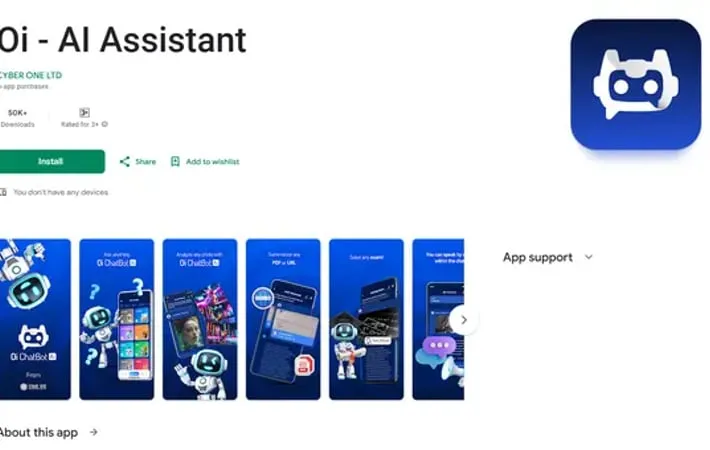
Oi - AI Assistant is an advanced artificial intelligence application designed to be your personal AI-powered companion. Built with cutting-edge AI technology, it serves as a versatile virtual assistant that can understand natural language, generate text and images, analyze documents, and interact through voice commands. The app aims to enhance productivity and simplify daily tasks by providing instant, accurate responses and creative solutions across multiple categories.
Key Features
Oi - AI Assistant is a comprehensive AI-powered application that combines multiple functionalities including instant Q&A, image generation and analysis, document summarization, language translation, and content organization. The app offers features like favorites saving, PDF processing, professional presentation creation, and interactive conversations, all designed to enhance productivity and streamline daily tasks through artificial intelligence. Smart Image Processing: Create professional images from text descriptions and analyze existing images to extract valuable information Document Intelligence: Automatically summarize PDFs and web links, making it easier to digest large amounts of information quickly Multi-Language Support: High-quality translation services that match native language proficiency for effective cross-cultural communication Content Organization: Multiple categories and favorites feature to save and organize important information for quick access
Use Cases
Professional Presentations: Create and organize business presentations with AI-powered content generation and organization tools Academic Research: Summarize research papers and academic documents while organizing key findings in an accessible format International Business Communication: Facilitate cross-border communication through advanced translation capabilities and professional content creation
Pros
Comprehensive all-in-one AI solution User-friendly interface with organized categories Strong focus on data privacy with encryption
Cons
Requires internet connection for most features Some features may require premium subscription Limited offline functionality
How to Use
Download and Install: Download 'Oi AI Assistant' from the Google Play Store and install it on your device Launch the App: Open the app to access its AI assistant features Ask Questions/Input Text: Simply type any question or text input to get instant, precise answers from the AI Generate Images: Describe what kind of image you want to create and the AI will generate professional images based on your description Upload Files: Upload PDF files or share web links to get automatic intelligent summarization of the content Analyze Images: Take or upload photos to extract valuable information through the app's advanced image analysis capabilities Save Favorites: Use the favorites feature to save important items and information for quick access later Browse Categories: Explore different categories within the app to organize and access your content efficiently Create Presentations: Use the app to help create professional presentations for your projects and ideas Translate Content: Access high-quality translation services for cross-cultural communication needs
Official Website
Visit https://play.google.com/store/apps/details?id=com.cyberone.oichatbot&hl=en?utm_source=aipure to learn more.
