

MailMonkey.ai
About MailMonkey.ai
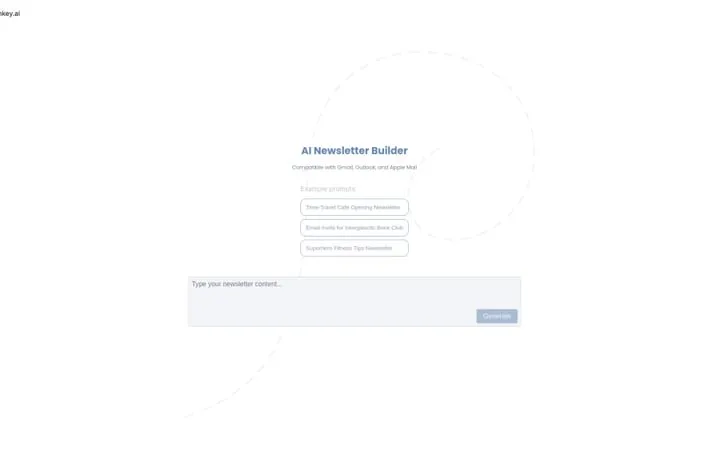
MailMonkey.ai is a comprehensive email marketing solution that leverages artificial intelligence to help businesses streamline their email communication and newsletter creation process. The platform is designed to be user-friendly and integrates seamlessly with popular email clients like Gmail, Outlook, and Apple Mail, making it accessible for businesses of all sizes.
Key Features
MailMonkey is an email marketing and automation platform that allows users to send and track email campaigns, create newsletters, and manage customer communications. It offers template-based email building, integration with major email clients like Gmail and Outlook, and features for tracking email performance and customer responses. Email Template Building: Provides MJML-based email templates and a drag-and-drop builder to create professional newsletters and campaigns Email Client Integration: Works seamlessly with Gmail, Outlook, and Apple Mail for sending campaigns from existing email platforms Campaign Analytics: Tracks email performance metrics like opens, clicks, and responses with visual reporting dashboards Customer Management: Allows managing subscriber lists, tracking customer responses, and storing customer data and interactions
Use Cases
Internal Communications: Companies can use it to send and track internal newsletters and announcements to employees Customer Surveys: Businesses can create and send customer feedback surveys via email and analyze responses Marketing Campaigns: Marketing teams can run email campaigns with templates and track performance metrics
Pros
Easy to use template-based email building Good integration with major email clients Comprehensive tracking and analytics features
Cons
Limited customization options compared to some alternatives Requires credits purchase for sending emails
How to Use
Configure MailMonkey: Call MailMonkey.config() to set up basic configuration including template directory and provider settings. For example: MailMonkey.config({ templateDir: 'YOURTEMPLATEFOLDER', provider: { name: 'Sendgrid', key: 'YOURAPIKEY' }}) Set up email templates: Create email templates using MJML format and save them in your configured template directory. Templates should have .mjml extension. Add default data (optional): Configure default data that should be available across all templates using the defaultData property in config. Set up server integration (optional): Configure server settings if you want to make emails available via URL endpoints. Currently supports Express.js. Send emails: Use the configured MailMonkey instance to send emails using your templates. The system will process MJML templates and send via your configured provider. Track engagement: Use MailMonkey's reporting features to monitor email opens, clicks, and engagement metrics for your campaigns. Manage subscriber lists: Build and segment email lists, manage subscriptions, and handle unsubscribes through the platform.
Official Website
Visit https://www.mailmonkey.ai/ to learn more.
