

Google Veo 3
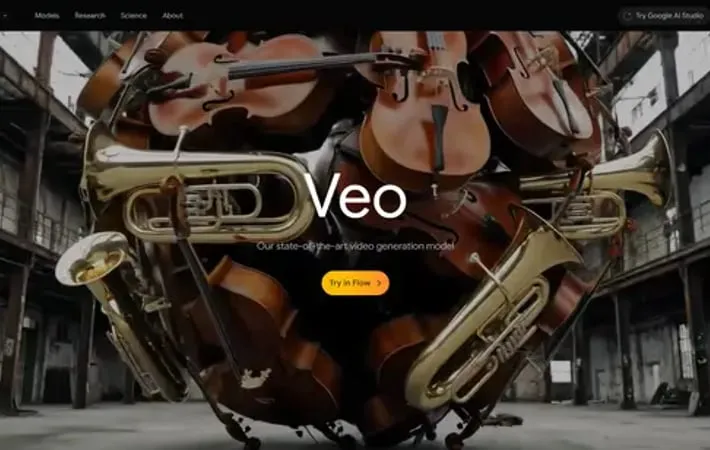
About Google Veo 3
Google Veo 3 represents a significant advancement in AI-powered video generation technology, introduced by Google DeepMind in 2024. Building upon its predecessor Veo 2, this new model not only improves video quality and prompt accuracy but also introduces groundbreaking audio generation capabilities - making it the first major video generation model that can simultaneously create synchronized audio alongside video content. The model can generate everything from traffic noises in city scenes to birds singing in parks, and even natural-sounding dialogue between characters, marking what Google DeepMind CEO Demis Hassabis calls 'emerging from the silent era of video generation.'
Key Features
Google Veo 3 is Google DeepMind's latest state-of-the-art video generation model that introduces groundbreaking capabilities including native audio generation, improved visual quality, and enhanced prompt adherence. The model can generate videos with synchronized sound effects, ambient noise, and character dialogue, while delivering high-quality 4K video output with realistic physics and movements. It offers advanced creative controls for consistency, camera movements, and character animations, making it a powerful tool for filmmakers and content creators. Native Audio Generation: Can generate synchronized audio including sound effects, ambient noise, and character dialogue directly with the video content Enhanced Creative Controls: Offers precise control over camera movements, character animations, and scene consistency through reference images and style matching Improved Visual Quality: Delivers high-quality 4K video output with realistic physics, natural movements, and better prompt adherence Character Consistency: Maintains consistent character appearance across different scenes using reference images and allows character animation control through body movements and voice
Use Cases
Film Production: Helps filmmakers create storyboards, previsualize scenes, and generate complex visual effects sequences with integrated audio Animation Creation: Enables animators to quickly generate animated sequences with synchronized audio and consistent character appearances Game Development: Assists in creating game cinematics and visual assets with integrated sound design Content Creation: Helps content creators produce high-quality videos with custom characters, styles, and audio for social media and marketing
Pros
First AI video model to generate synchronized audio natively Offers extensive creative controls for professional-quality output Maintains high consistency in character appearance and style
Cons
Still has limitations in generating natural and consistent spoken audio Requires significant computational resources for 4K output Currently limited to select subscription tiers and platforms
How to Use
Sign up for Google AI Ultra subscription: Veo 3 is only available to Google AI Ultra subscribers ($249.99/month) in the United States Access Veo 3 through available platforms: You can access Veo 3 through either the Gemini app or Flow (Google's AI filmmaking tool) if you're an Ultra subscriber Write a detailed text prompt: Create a detailed description of the video you want to generate, including visual elements, actions, style, camera movements, and any audio/dialogue you want included Add audio specifications (optional): Include audio requirements in your prompt like sound effects, ambient noise, dialogue, or music since Veo 3 can generate synchronized audio Use reference images (optional): Upload reference images to guide the video generation for consistent characters, scenes or styles Adjust camera controls: Use camera control options to specify exact framing and movement like zooming, panning, or tracking shots Add character controls (optional): Use body tracking, facial expressions or voice input to animate characters more naturally Generate the video: Submit your prompt and wait for Veo 3 to generate your video with synchronized audio Make adjustments: Use features like outpainting to expand frames, add/remove objects, or adjust the first/last frames for transitions Export final video: Download your generated video which will include SynthID watermarking to identify it as AI-generated content
Official Website
Visit https://deepmind.google/models/veo?ref=aipure to learn more.
