

Goodnotes
About Goodnotes
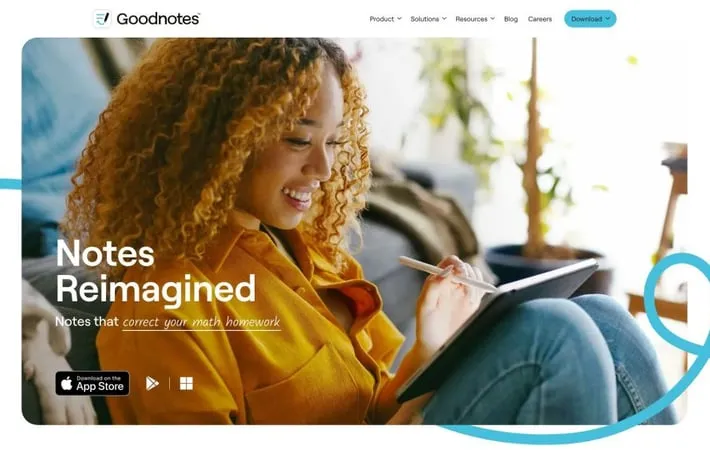
Goodnotes is a versatile digital note-taking application designed to replace traditional paper notebooks with a seamless digital experience. Available on iOS, iPadOS, macOS, Windows, Android, and web browsers, Goodnotes allows users to create handwritten notes, annotate PDFs, and organize documents in a intuitive interface. The app combines the flexibility of handwriting with the power of digital tools, making it popular among students, professionals, and creative individuals looking to streamline their note-taking and document management processes.
Key Features
GoodNotes is a versatile digital note-taking app that offers an intuitive handwriting experience with AI-powered features like spellcheck and word completion. It provides a seamless experience across multiple devices, allowing users to create, organize, and access notes, PDFs, and other documents. With customizable notebooks, powerful search capabilities, and collaboration tools, GoodNotes reimagines traditional note-taking for the digital age. AI-Enhanced Handwriting: Utilizes AI for spellcheck and word completion, improving the handwriting experience and accuracy. Cross-Platform Compatibility: Available on iOS, iPadOS, macOS, Windows, Android, and web browsers for seamless access across devices. Customizable Digital Notebooks: Offers a variety of templates and the ability to create personalized notebooks with different paper styles. PDF Annotation: Allows users to import, annotate, and edit PDF documents directly within the app. Powerful Search Function: Features handwriting recognition for easy searching through handwritten notes and documents.
Use Cases
Student Note-Taking: Ideal for students to take lecture notes, organize study materials, and create digital flashcards. Business Meetings: Professionals can use it to take meeting minutes, brainstorm ideas, and share collaborative documents. Digital Journaling: Perfect for keeping a digital diary or bullet journal with customizable templates and stickers. Academic Research: Researchers can annotate papers, organize literature reviews, and compile research notes efficiently. Creative Design: Artists and designers can sketch ideas, create mood boards, and develop concepts digitally.
Pros
Intuitive and natural handwriting experience Seamless syncing across multiple devices and platforms Powerful organization and search capabilities
Cons
Subscription model may be costly for some users Learning curve for utilizing all features effectively Some advanced features limited to certain platforms or devices
How to Use
Download and install Goodnotes: Download Goodnotes from the App Store (for iOS/iPadOS/Mac), Google Play Store (for Android), or the Windows Store. Install the app on your device. Create a new notebook: Open Goodnotes and tap the '+' button to create a new notebook. Choose a cover and paper template for your notebook. Start writing or typing: Use your finger, stylus, or Apple Pencil to write directly on the page. You can also use the text tool to type notes. Organize your notes: Create folders to organize your notebooks. Use the search function to quickly find notes across all your notebooks. Use AI features: Take advantage of AI-powered features like Spellcheck and Word Complete to improve your note-taking. Import documents: Import PDFs, images, and other documents into Goodnotes to annotate them directly in the app. Customize your tools: Adjust pen colors, sizes, and styles to suit your preferences. Save frequently used tools for quick access. Sync across devices: Enable iCloud sync to access your notes on all your devices, including iOS, Mac, Windows, and Android. Share and collaborate: Share your notebooks or specific pages with others. Collaborate on documents in real-time. Explore additional features: Try out features like audio recording, math conversion, and the Elements tool to enhance your note-taking experience.
Official Website
Visit https://goodnotes.com/ to learn more.
