

GetResponse
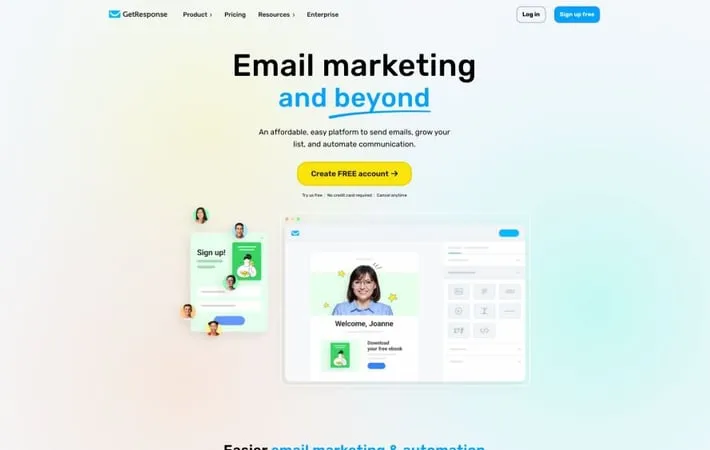
About GetResponse
GetResponse is an all-in-one online marketing platform that helps businesses of all sizes grow their customer base and increase sales. Founded in 1998, GetResponse has evolved from a simple email marketing tool to a versatile solution that includes features for email marketing, marketing automation, landing pages, webinars, paid ads, and ecommerce integrations. With over 400,000 customers worldwide and a 99% email deliverability rate, GetResponse aims to provide affordable and user-friendly tools for businesses to effectively engage with their audience across multiple channels.
Key Features
GetResponse is a comprehensive email marketing and automation platform that offers a wide range of features to help businesses grow their audience, engage with subscribers, and increase sales. It provides tools for email marketing, landing page creation, marketing automation, webinars, and e-commerce integration. The platform also includes AI-powered features, a website builder, and various integrations to enhance marketing efforts. AI-Powered Email Marketing: Create engaging emails using AI-generated content and optimize campaigns with intelligent recommendations. Marketing Automation: Build complex automation workflows based on subscriber behavior and actions to deliver personalized content and offers. Landing Page and Website Builder: Easily create professional-looking landing pages and websites with drag-and-drop functionality and pre-designed templates. E-commerce Integration: Seamlessly connect online stores to synchronize data and power targeted marketing campaigns based on customer behavior. Webinar Hosting: Host and manage webinars directly within the platform, integrating them with email marketing efforts.
Use Cases
Small Business Growth: Entrepreneurs and small businesses can use GetResponse to build their email list, engage customers, and automate marketing efforts to drive growth. E-commerce Sales Optimization: Online retailers can leverage GetResponse's e-commerce features to create targeted campaigns, recover abandoned carts, and increase sales conversions. Content Creator Monetization: Bloggers, coaches, and content creators can use GetResponse to build and monetize their audience through email courses, premium newsletters, and webinars. Lead Generation for B2B Companies: B2B marketers can use landing pages, forms, and marketing automation to capture and nurture leads through the sales funnel.
Pros
Comprehensive all-in-one marketing platform User-friendly interface with drag-and-drop editors Affordable pricing options for businesses of all sizes Strong focus on e-commerce integration and features
Cons
Some advanced features only available on higher-tier plans Learning curve for utilizing all available features effectively Limited customization options compared to some specialized tools
How to Use
Sign up for a GetResponse account: Go to the GetResponse website and create a free account or choose a paid plan that fits your needs. Import or build your email list: Add contacts to your account by importing an existing list or creating signup forms to collect new subscribers. Create an email campaign: Use the drag-and-drop email creator to design a newsletter, or choose from pre-made templates. Add your content and customize the design. Set up autoresponders: Create automated email sequences to welcome new subscribers or nurture leads over time. Configure marketing automation: Build automated workflows to send targeted messages based on subscriber behavior and data. Create landing pages: Use the landing page builder to create optimized pages for lead generation or product promotion. Set up forms and popups: Add signup forms and popups to your website to capture new leads. Integrate with other tools: Connect GetResponse with your ecommerce platform, CRM, and other marketing tools to sync data. Monitor analytics: Review campaign performance metrics and use insights to optimize your email marketing strategy. Explore advanced features: Try out additional features like webinars, paid ads, and AI-powered tools as you grow your marketing efforts.
Official Website
Visit https://www.getresponse.com/ to learn more.
