

FreePhotoAI
About FreePhotoAI
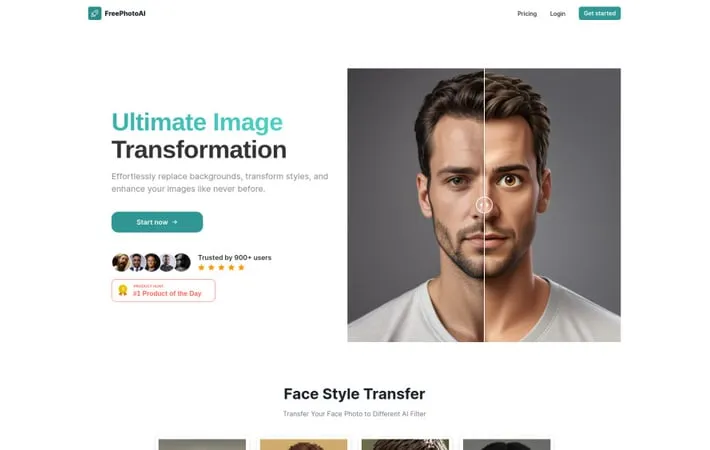
FreePhotoAI is a cutting-edge online platform that leverages artificial intelligence to provide advanced photo editing and transformation capabilities. It allows users to apply various AI-generated styles and filters to their images, transfer face styles, and even virtually try on outfits. The service aims to make professional-grade photo editing accessible to everyone, offering a range of creative options for both personal and commercial use.
Key Features
FreePhotoAI is an AI-powered photography service that offers various image transformation and enhancement features. It allows users to apply different AI filters and styles to photos, transfer face styles, perform virtual try-ons of clothing, and create professional-looking images. The service uses advanced AI technology to enable users to easily edit, stylize, and generate high-quality photos for various purposes. Face Style Transfer: Apply different AI filters and styles to facial photos, including 3D, pixel, clay, toy, emoji, and more artistic renderings. Virtual Try-On: Allows users to virtually try on outfits by combining any photo with any clothing item. Background Replacement: Effortlessly replace and transform image backgrounds for enhanced visual appeal. Multiple Style Options: Offers a wide range of style filters including 3D, pixel, clay, toy, PS2, emoji, crayon, Tintin, street art, anime, and more.
Use Cases
Social Media Content Creation: Generate unique and eye-catching images for social media posts and profiles. E-commerce Product Visualization: Create virtual try-on images for clothing items to enhance online shopping experiences. Digital Art and Illustration: Transform photos into various artistic styles for creative projects or digital art portfolios. Marketing and Advertising: Produce stylized images for marketing campaigns, advertisements, and promotional materials.
Pros
Offers a wide variety of AI-powered photo editing and style transfer options User-friendly interface for easy image transformation Potential time and cost savings compared to traditional photography and editing methods
Cons
Subscription-based pricing model may be costly for some users Limited to 1000-10000 tokens per month depending on the plan No refund policy due to high processing costs
How to Use
Visit the FreePhotoAI website: Go to https://freephotoai.co/ in your web browser Create an account: Click 'Get started' or 'Login' to create a new account if you don't already have one Choose a photo style: Browse the available AI photo styles like 3D, Pixel, Clay, Toy, Emoji, etc. and select the one you want to use Upload your photo: Upload the photo you want to transform using the selected AI style Generate the AI photo: Click the button to generate your photo in the chosen AI style Download or share result: Once generated, download your transformed AI photo or share it directly from the site Try other styles: Experiment with different AI styles on your photos as desired Upgrade subscription (optional): If you need more tokens/features, consider upgrading to a paid subscription plan
Official Website
Visit https://freephotoai.co/ to learn more.
