

Dr. Read - Ai Reading Tutor
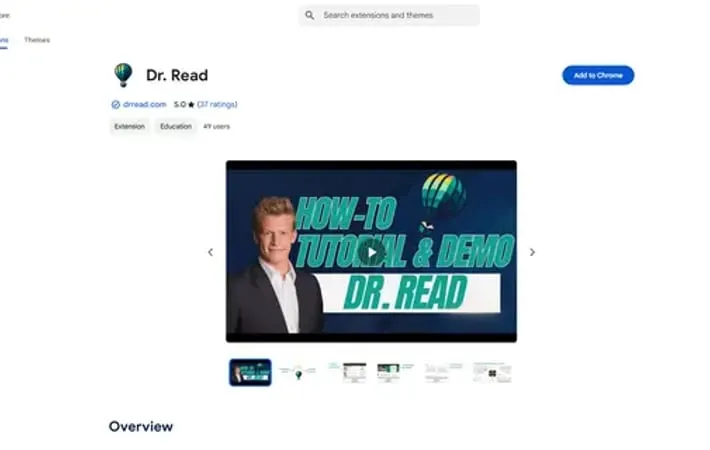
About Dr. Read - Ai Reading Tutor
Dr. Read is a comprehensive AI reading tutor designed to enhance literacy skills for readers of all levels. As a Chrome extension, it integrates seamlessly into your browsing experience to provide real-time reading assistance and personalized support. The tool combines advanced AI technology with user-friendly features to make reading more accessible, engaging, and effective for students, professionals, parents, and individual users alike.
Key Features
Dr. Read is an AI-powered reading assistant Chrome extension that helps users improve their reading skills through real-time pronunciation evaluation, AI context explanations, and personalized feedback. The tool combines advanced AI technology with user-friendly features like text-to-speech, dictionary lookup, and customizable layouts to make reading more accessible and effective for users of all levels. AI Pronunciation Evaluation: Provides real-time feedback on pronunciation accuracy and offers tailored suggestions for improvement while listening to users read Context Explanation Tool: Uses AI to simplify complex sentences and explain difficult words in context, making text more comprehensible Personalized Reading Support: Tracks user progress and provides customized recommendations based on individual reading challenges and needs Accessibility Features: Includes text-to-speech, dictionary lookup, dark/light mode, and customizable layout options for enhanced reading comfort
Use Cases
Academic Learning: Students can improve reading fluency and comprehension while studying academic materials Professional Development: Professionals can better understand technical documents and reports with AI-powered explanations Language Learning: Language learners can practice pronunciation and understand context in their target language Parent-Child Education: Parents can support their children's literacy development with guided reading practice and feedback
Pros
User-friendly interface with intuitive design Comprehensive feature set combining multiple reading tools Strong privacy commitment with secure data storage
Cons
Requires internet connection for AI features Limited to Chrome browser only
How to Use
Install the Extension: Download and install the Dr. Read Chrome extension from the Chrome Web Store Select Text to Read: Choose any text on a webpage that you want to practice reading Begin Reading Practice: Start reading the selected text aloud while Dr. Read listens and evaluates your performance Receive Pronunciation Feedback: Get real-time feedback on your pronunciation, including identification of mispronounced words and tailored suggestions for improvement Use Context Explanations: Click on difficult words or phrases to get AI-powered explanations that help you understand the context better Access Additional Features: Utilize other tools like text-to-speech, dictionary lookup, timer tracking, and dark/light mode options as needed Customize Layout: Adjust the interface settings to your preferences for a more personalized reading experience Track Progress: Monitor your reading improvement over time through the app's progress tracking features
Official Website
Visit https://chromewebstore.google.com/detail/dr-read/lkcdaeebcobbkbfgcgcciphmoolcijlf?authuser=0&hl=en&ref=aipure to learn more.
