

AI Face Swap
About AI Face Swap
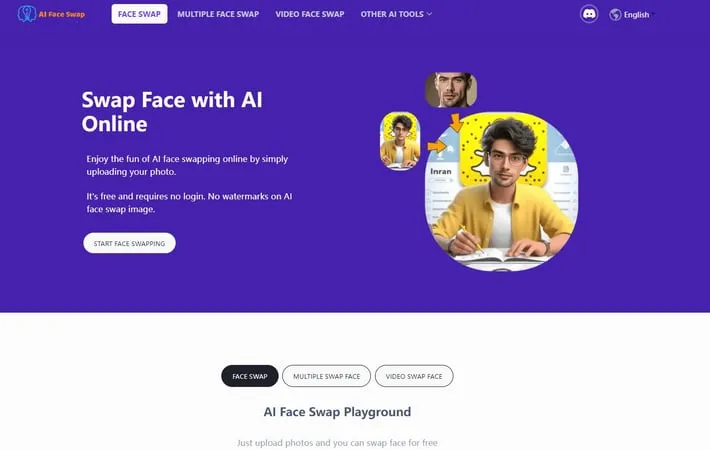
AI Face Swap is an advanced artificial intelligence-powered technology that enables users to digitally replace one person's face with another in images, videos, or GIFs. The platform employs sophisticated algorithms to analyze facial features, expressions, and movements, creating realistic and seamless face transformations. It offers both single and multiple face swapping capabilities, with additional features for video face swapping, GIF modifications, and batch processing, all while maintaining user privacy and providing a completely free service without requiring login credentials.
Key Features
AI Face Swap is an advanced technology that uses artificial intelligence to digitally replace faces in images, videos, and GIFs. It employs sophisticated algorithms for facial recognition, feature matching, and seamless blending to create realistic face swaps while maintaining original expressions and movements. The technology offers both single and multiple face swap capabilities, with options for free online use without login requirements, supporting various file formats and providing privacy protection through automatic data deletion. Multiple Format Support: Handles various media types including photos (JPG, PNG, WebP), videos (up to 1080p), and GIFs, with capabilities for both single and multiple face swaps Advanced AI Processing: Uses sophisticated algorithms for face detection, feature matching, and seamless blending to ensure realistic and high-quality results Privacy Protection: Implements automatic data deletion within 2 days and ensures user privacy with secure processing that doesn't store personal information User-Friendly Interface: Offers simple upload-and-swap functionality with mobile compatibility and no login requirements
Use Cases
Social Media Content Creation: Create engaging and humorous content by swapping faces in memes, group photos, and viral videos Marketing and Advertising: Generate personalized advertisements and marketing materials by swapping faces in stock photos and videos Entertainment: Create fun family photos, swap faces with celebrities, or generate creative content for social sharing Professional Content Editing: Edit promotional materials and videos efficiently without the need for extensive reshoots or complex post-production
Pros
Free to use with no daily limits No watermarks on output files Quick processing time with instant results Strong privacy protection measures
Cons
Limited to human face swapping only (no animal faces) Currently lacks a dedicated mobile app Maximum of 4 faces per image in some versions Requires clear facial features for optimal results
How to Use
Visit the AI Face Swap Website: Go to the AI Face Swap online tool through your web browser. No sign-up or login required. Upload Original Image: Upload the photo/image where you want to replace a face. Ensure the photo has clear facial features and preferably contains only one face. Upload Face Image: Upload the photo containing the face you want to swap with (the face that will replace the original). Make sure the facial features are clear and well-lit. Initiate Face Swap: Click the 'Swap Face' or 'Start face swapping' button to begin the AI processing. Wait a few seconds while the AI performs the face swap. Preview Results: Review the generated face-swapped image to ensure it meets your expectations. Download the Result: Click the download button below the generated image, or right-click (on PC) or long-press (on mobile) to save the watermark-free image to your device.
Official Website
Visit https://aifaceswap.io/ to learn more.
