

Adobe Podcast
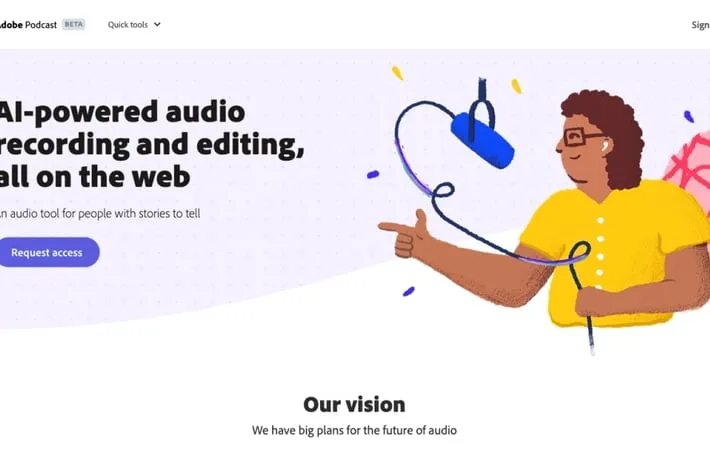
About Adobe Podcast
Adobe Podcast is a suite of AI-driven audio tools designed to simplify and elevate the podcast creation process. It offers features like Enhance Speech for noise reduction, Studio for browser-based recording and editing, and Mic Check for optimizing recording setups. As part of the Adobe Creative Cloud, it provides an accessible platform for creators of all levels to produce polished, studio-quality audio content without requiring extensive audio engineering skills or expensive equipment.
Key Features
Adobe Podcast is an AI-powered audio tool that enables users to create high-quality podcasts and voiceovers with professional studio-like sound. It offers features such as noise and echo removal, microphone diagnostics, browser-based recording and editing, AI-enhanced speech, and seamless integration with other Adobe products. The tool simplifies the podcast creation process by providing intuitive editing capabilities, royalty-free music, and professional-grade remote recording options. Enhance Speech: AI-powered feature that removes noise and echo from voice recordings, making them sound as if they were recorded in a professional studio. Studio: Browser-based recording, editing, and enhancement tool that allows for easy podcast creation and editing. Mic Check: AI-assisted tool to analyze and optimize microphone setup before recording, ensuring the best possible audio quality. Text-based Audio Editing: Transcribes audio and allows editing by manipulating text, making the editing process more intuitive and efficient. Professional-grade Remote Recording: Captures high-quality audio from multiple participants as individual tracks, even with imperfect internet connections.
Use Cases
Podcast Production: Create professional-sounding podcasts with ease, from recording to editing and enhancing audio quality. Voiceover Work: Enhance and polish voice recordings for use in various media productions, e-learning courses, or marketing materials. Remote Interviews: Conduct and record high-quality remote interviews for podcasts, journalism, or research purposes. Audio Content Creation: Produce audio content for social media, websites, or other digital platforms with professional-grade sound quality.
Pros
AI-powered audio enhancement for professional-sounding results User-friendly interface with browser-based editing Seamless integration with other Adobe Creative Cloud products
Cons
Limited features compared to full-fledged Digital Audio Workstations Requires subscription to Adobe Creative Cloud for full access Still in beta, which may result in occasional bugs or missing features
How to Use
Go to Adobe Podcast website: Visit podcast.adobe.com in your web browser Sign in or create an account: Log in with your Adobe account or create a free account if you don't have one Choose a tool: Select Enhance Speech, Studio, or Mic Check based on your needs Upload or record audio: For Enhance Speech, upload an existing audio file. For Studio, record new audio or import files. For Mic Check, allow microphone access. Apply AI enhancements: Let Adobe's AI process and enhance your audio automatically Edit audio (Studio only): Use the transcript to cut, copy, paste and rearrange audio segments Add music (Studio only): Choose from royalty-free music collections to add intros, outros, and background tracks Export final audio: Download the enhanced and edited audio file
Official Website
Visit https://podcast.adobe.com/ to learn more.
