

Adobe Firefly
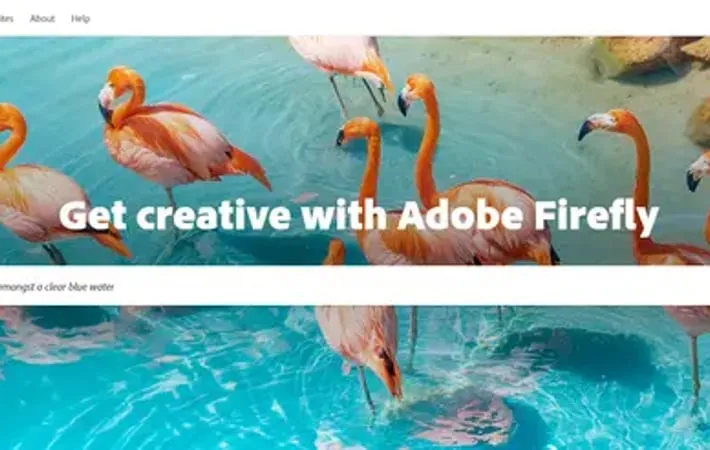
About Adobe Firefly
Adobe Firefly is a suite of generative AI tools developed by Adobe to empower creativity across its product ecosystem. It offers new ways for users to ideate, create, and communicate by leveraging the power of AI. Firefly integrates directly into Adobe's Creative Cloud, Document Cloud, and Experience Cloud applications, as well as being available as a standalone web app. It is designed to be safe for commercial use, trained on licensed Adobe Stock images and public domain content.
Key Features
Adobe Firefly is a family of generative AI models integrated into Adobe's creative tools, offering features like text-to-image generation, generative fill, vector creation, and text effects. It aims to enhance creative workflows by allowing users to quickly generate and manipulate content using natural language prompts and AI-powered tools, while being designed for commercial safety and seamless integration with Adobe's ecosystem. Text-to-Image Generation: Create images from detailed text descriptions, with the ability to guide style using reference images. Generative Fill: Use AI to remove objects or add new elements to images by painting with a brush tool. Vector Generation: Generate scalable vector graphics (SVGs) from text descriptions, useful for creating logos and illustrations. Text Effects: Apply styles or textures to text using natural language prompts, creating unique typographic designs. Template Generation: Create editable design templates from text descriptions, streamlining the design process.
Use Cases
Rapid Prototyping for Designers: Quickly generate multiple design concepts and variations for client presentations or brainstorming sessions. Content Creation for Marketing: Produce custom images and graphics for social media posts, ads, and marketing materials with minimal design skills. Efficient Photo Editing: Remove unwanted objects or add new elements to photos without complex manual editing techniques. Logo and Brand Asset Creation: Generate vector-based logos and brand elements from text descriptions, speeding up the branding process.
Pros
Seamless integration with Adobe's creative suite Designed for commercial safety with proper licensing of training data Improves efficiency in creative workflows Accessible to users with varying levels of design expertise
Cons
Requires Adobe subscription for full access to features Still in beta for some features, which may have limitations Potential for overreliance on AI-generated content in creative industries Learning curve for optimal prompt writing to achieve desired results
How to Use
1. Access Adobe Firefly: Go to firefly.adobe.com and sign in with your Adobe ID. You can use a free Creative Cloud account or a paid subscription. 2. Choose a generative AI feature: Select one of the available features like Text to Image, Generative Fill, Text Effects, etc. from the Firefly web interface. 3. Enter a text prompt: Type in a detailed description of the image or effect you want to generate using natural language. 4. Adjust settings (optional): Use the settings panel to specify aspects like aspect ratio, style, color, lighting, etc. to refine your results. 5. Generate results: Click the generate button to create multiple AI-generated variations based on your prompt and settings. 6. Refine and iterate: Review the generated options, favorite ones you like, and refine your prompt or settings to generate new variations if needed. 7. Download or edit: Download your preferred generated image, or use the edit options to further customize it within Firefly or other Adobe apps. 8. Use responsibly: Remember that Firefly is designed for commercial use. Add Content Credentials to indicate AI was used in creating the asset.
Official Website
Visit https://firefly.adobe.com/ to learn more.
